
Prerequisites
You need Tailscale to reach Workspace VMs via RDP or browser apps. VMs are only reachable on the private Workspace network.
Installation
- Download Tailscale for macOS from the Tailscale download page (App Store or standalone).
- Install the app and start Tailscale.
Connect to the Workspace network
-
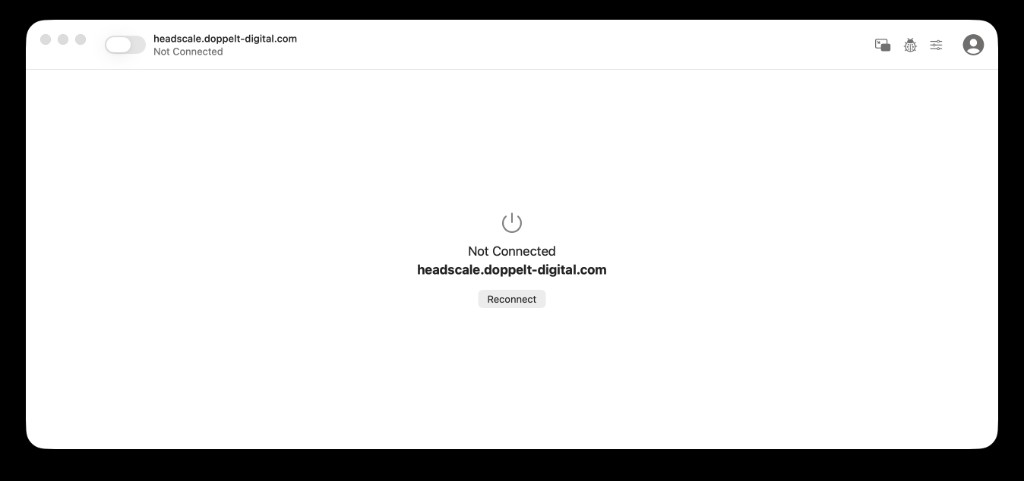
Open Tailscale.
-
Click Settings in the top-right corner and open the Accounts tab.
-
Click Add Account… and then the down arrow next to the button.
-
In the Add Account Using Alternate Server dialog, enter this URL:
https://headscale.doppelt-digital.com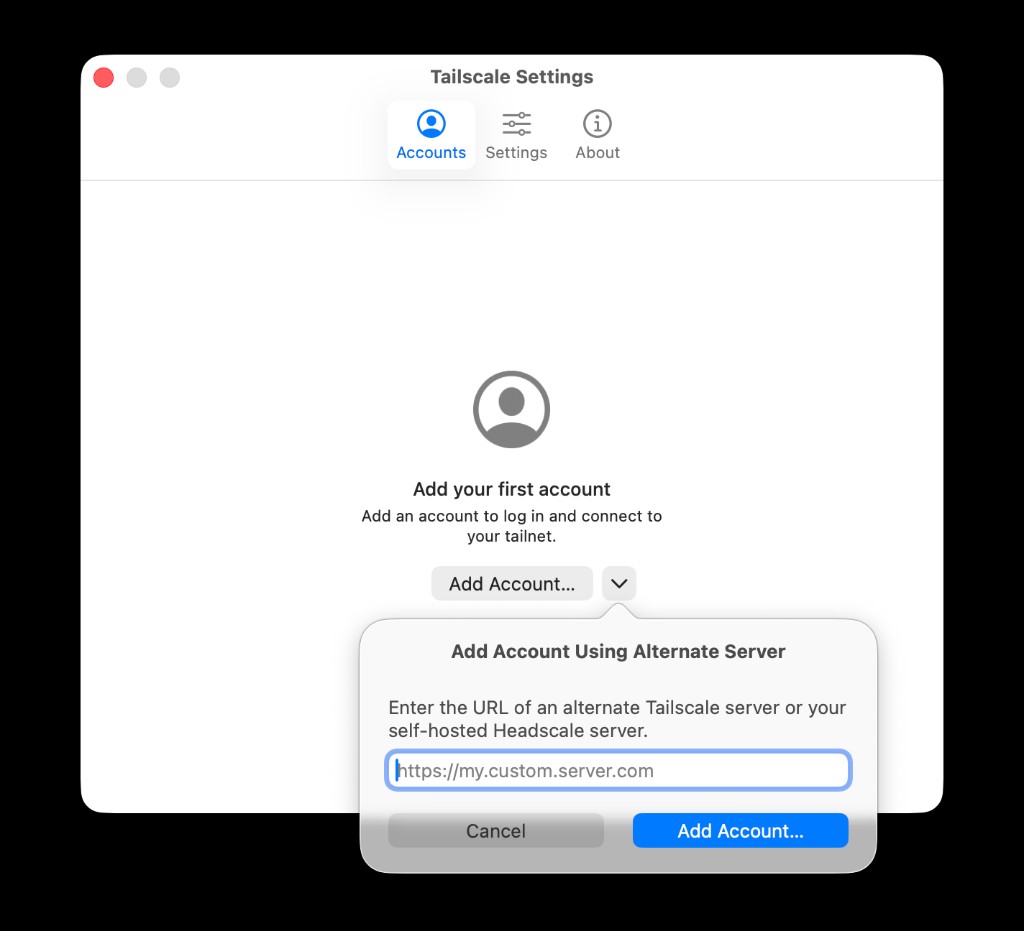
-
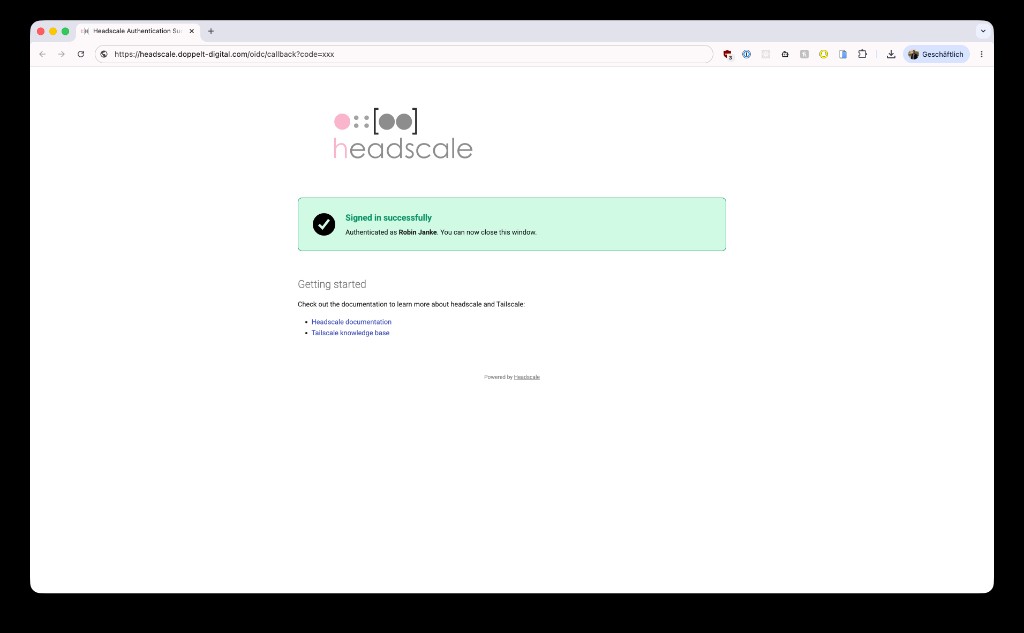
Click Add Account… and sign in in your browser.
-
When everything worked, you should see Signed in successfully. You can close the browser window afterwards.
Alternative: Terminal
You can also run the command shown in the Application Platform connection dialog:
tailscale login --login-server=https://headscale.doppelt-digital.com
Verify
- The Tailscale menu bar item should show Connected.
- You can then download an RDP file or open Workspace apps from the Application Platform.
More help: Tailscale overview and troubleshooting.